HTTP
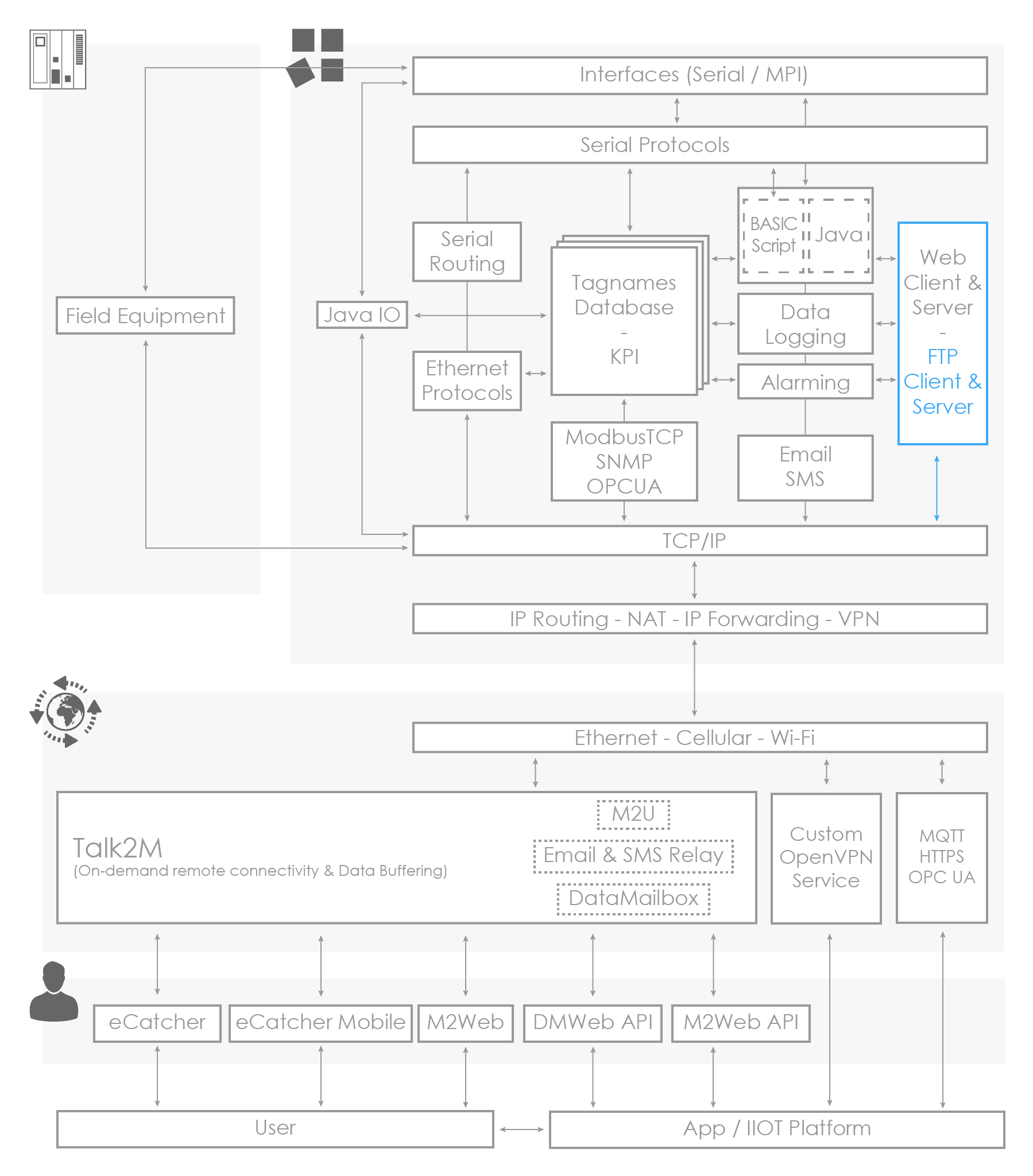
The Ewon gateway acts as a web client (HTTP client)
If your field device features a web server, the Ewon gateway is able to get or post data through the HTTP Protocol directly.
This is done using the commands REQUESTHTTPX, GETHTTP or PUTHTTP. These functions are available in BASIC scripting as well as in JAVA language.
For example: if the field device's web server hosts a file (*.txt, *.csv,*.json,...) that contains its IO values, you can create a piece of BASIC program that downloads the file, parses it and then copies the IO values to the tags of the Ewon gateway.
Example in BASIC using REQUESTHTTPX
request:
  REQUESTHTTPX "http://www.example.com/hello.php","GET"
  actionID%= GETSYSPRG,"ACTIONID"
  PRINT "requestactionidis "; actionID%
END

onEvent:
  eventId%= GETSYSPRG,"EVTINFO"
  IF (eventId%= actionID%) THEN
    SETSYSPRG,"ACTIONID",eventId%
    stat%= GETSYSPRG,"ACTIONSTAT"
    IF (stat%= 0) THEN
      GOTO response
    ELSE
      PRINT "Error(ERROR= "+Str$(stat%)+ ")"
    ENDIF
  ENDIF
END

response:
  a$ = RESPONSEHTTPX "STATUSCODE"
  PRINT "status:"; a$
  a$ = RESPONSEHTTPX "HEADER"
  PRINT "allheaders:"; a$
  a$ = RESPONSEHTTPX "HEADER","Server"PRINT"serverheader:"; a$
  a$ = RESPONSEHTTPX "RESPONSEBODY"
  IF (Len(a$)< 1000)THEN
    PRINT "responsebody:"; a$
  ELSE
    PRINT "responsebodysize:"; Len(a$)
  ENDIF
END
Example in BASIC using GETHTTP
ONSTATUS "goto GETHTTPACTION_END"
REM: Field Device URL to get live data is http://10.0.0.54/IOdata.txt
GETHTTP "10.0.0.54", "/usr/iovalues.txt" ,"/IOdata.txt"
a% = GETSYS Prg,"ACTIONID"
END

GETHTTPACTION_END:
	b% = GETSYS Prg,"EVTINFO"
	REM: CHECK THAT THE ONSTATUS EVENT HAS BEEN LAUNCHED BY THE GETHTTP ACTION
	IF a% = b% THEN
	  REM: PROCESS THE FILE /usr/iovalues.txt HERE
	ENDIF
END
To get more details about the use of these functions, please refer to:
- the BASIC script programming section
- the JAVA programming section